Who is this product best for?
- Home and small office routing
- Business internet edge routing
- ISP customer or branch deployments

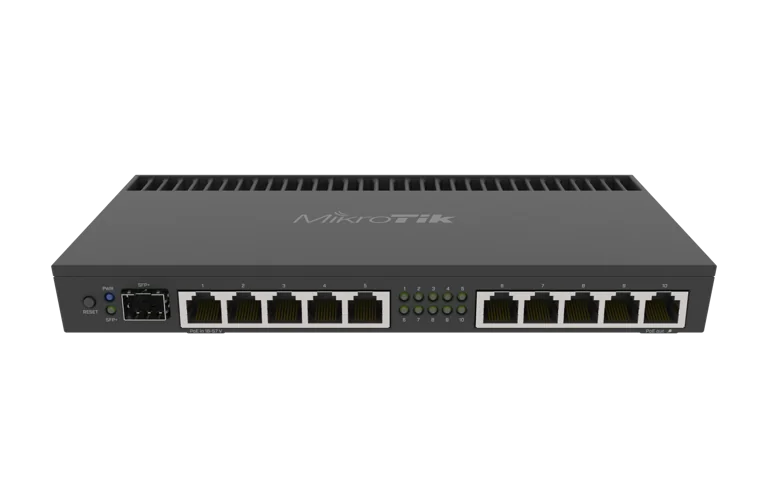
Works with compatible MikroTik RouterOS networks and standard Ethernet networking equipment. Confirm port, power and mounting requirements before purchase.
Check the product label or manufacturer datasheet for exact input voltage, PoE support and power adapter requirements.
The MikroTik RB4011iGS+RM is a wired router for businesses, network installers and advanced home users who need greater control over internet access and local network traffic. It combines multiple Ethernet connections with RouterOS management, making it a practical choice for offices, branch networks and professionally configured hotspot installations.
Use it to connect your internet service to computers, switches and access points while managing network security and bandwidth centrally. Its rackmount format also suits installations where networking equipment needs to be organised in a cabinet.
This is the Ethernet-only RB4011 model. Wireless connectivity requires a separate access point.
The MikroTik RB4011iGS+RM product page on MikroTik Kenya lists a selling price of KSh 27,000, checked on 6 October 2026. Confirm the final price, availability, VAT treatment and any configuration or delivery charges before ordering. Gigabit Router
For a complete installation quotation, specify your internet connection, required access points, switching equipment and whether you need hotspot or VPN configuration.
Connect your internet uplink, office equipment and downstream networking devices through one router. This gives installers flexibility when assigning interfaces to different network roles.
For installations with more devices or connections in different rooms, explore MikroTik switches in Kenya. Plan the port layout around your actual equipment rather than using every connection as part of one shared network.
RouterOS supports VLANs, allowing a properly configured installation to separate departments, guest access and other network services. Firewall rules can then control communication between those networks.
For example, an office can keep guest devices separate from internal computers while allowing both groups to use the same internet connection. VLAN deployment also requires compatible switches and access points wherever tagged traffic passes. MikroTik Documentation
RouterOS traffic queues let an administrator allocate bandwidth and manage how users share a connection. This is useful when downloads compete with business applications or when different customers need different service limits.
Effective results depend on the queue configuration and available internet capacity. The router cannot increase the bandwidth supplied by your ISP. MikroTik Documentation
The router’s processor supports IPsec hardware acceleration, helping process compatible encrypted traffic. This makes it worth considering for securely connecting an office to a branch or another network.
VPN performance depends on encryption settings, packet sizes and other processing tasks. Size the installation around its expected encrypted traffic rather than assuming every VPN configuration will achieve the same throughput. MikroTik Documentation
RouterOS HotSpot can authenticate users before granting internet access, using local accounts or a remote RADIUS service. This provides a foundation for managed guest networks and compatible billing deployments.
Businesses planning paid access can explore the MikroTik billing system options. Billing software, payment integration and configuration should be confirmed separately. MikroTik Documentation
Specifications verified against MikroTik’s official RB4011iGS+RM product page. The manufacturer’s temperature rating does not make the enclosure suitable for outdoor exposure. RB4011iGS+RM
The RB4011iGS+RM is worth considering for:
These are deployment recommendations. The appropriate router depends on your traffic levels, configuration and supporting equipment.
For wireless coverage, browse MikroTik access points. Select their number and placement through a site assessment.
The SFP+ cage accepts compatible SFP and SFP+ modules. Match the module to the remote equipment, link speed and fibre requirements before buying. The Ethernet ports are arranged in two groups of five, each connected through a switch chip; this layout matters when planning traffic between port groups. RouterOS Manual
An SFP cage alone does not establish compatibility with an ISP’s optical service. Ask the provider which equipment and connection method it requires.
Check the receiving device’s voltage, polarity and power requirements before using Ether10 for power. Treat passive PoE compatibility as a specific equipment check; do not assume a device marked “PoE” can safely use this output.
MikroTik’s performance tests show that packet sizes, firewall rules and queues affect throughput. Assess the router against the configuration you intend to run. RB4011iGS+RM
The following sequence describes a basic internet gateway. Adapt it to your ISP requirements and existing configuration.
Have your ISP connection details, a computer and suitable Ethernet cables ready. Install the router in a dry, ventilated indoor location.
Use the supplied rack ears for cabinet installation or place the unit securely on a suitable desktop. For mounting and connection accessories, browse MikroTik accessories in Kenya.
Use the supplied power adapter. Connect your computer to Ether2 and set it to obtain an IP address automatically.
With the standard factory configuration, open 192.168.88.1 in a browser. Alternatively, use WinBox from the LAN side. Check the device label for credentials where provided; older units may use admin with a blank password. Set a strong password immediately. MikroTik Documentation
Back up the configuration before making changes. Keep useful factory settings and avoid adding duplicate DHCP servers or NAT rules.
Use Ether1 as WAN for a conventional setup:
Confirm any ISP VLAN requirements separately.
Keep WAN outside the LAN bridge. Assign the bridge a subnet that differs from the upstream network, then configure a matching DHCP pool, gateway and DNS settings.
For a typical private IPv4 LAN, verify source NAT through the active WAN interface. With PPPoE, this is the PPPoE interface.
Keep firewall protection active, restrict management to trusted access and disable unused services. MikroTik Documentation
Configure separate access points with appropriate wireless security and guest separation.
For HotSpot, confirm the feature is permitted by device-mode. Run it on the intended client interface or bridge, keep WAN separate, and make the HotSpot gateway and address pool consistent with that network. MikroTik Documentation
Update RouterOS through the official update facility. Test internet access from both the router and connected clients, verify local connectivity, and save a backup of the working setup. MikroTik Documentation
These checks are diagnostic starting points; make changes according to the installed network design.
MikroTik documents the standard package as including:
Confirm the supplied package when ordering. Budget separately for required Ethernet cables, optical modules, access points and other installation equipment. RouterOS Manual
This Ethernet-only model needs a separate access point for wireless devices.
No. Your ISP service, connected equipment and router configuration determine usable speeds. Interface capacity and routing performance are different measurements.
It is a candidate for a professionally designed hotspot installation. Confirm the authentication platform, access-point layout and expected traffic before purchase; a fixed customer capacity should not be assumed.
Plan separate power equipment for multiple devices. Check every proposed PoE connection against the receiving device’s requirements.
The device includes a RouterOS licence. Check the installed software version during commissioning. RB4011iGS+RM
Confirm configuration, installation, warranty and delivery terms with MikroTik Kenya when ordering.
Order the MikroTik RB4011iGS+RM from MikroTik Kenya, or request a quotation covering the router and your required installation.
Provide your internet speed, network layout and intended services so the quotation can account for supporting equipment and configuration.
For alternative supplier enquiries, see the matching listings at Orbitlink Solutions, Tawa and Jupitaz. Confirm each supplier’s own commercial terms.
Reviews are not available yet for this product.
MikroTik RB4011iGS+RM is currently listed as available. Stock can change, so confirm availability before placing a large order.
The current listed price is KSh 28,000.00. Prices are generated from the product catalogue and may change when inventory is updated.
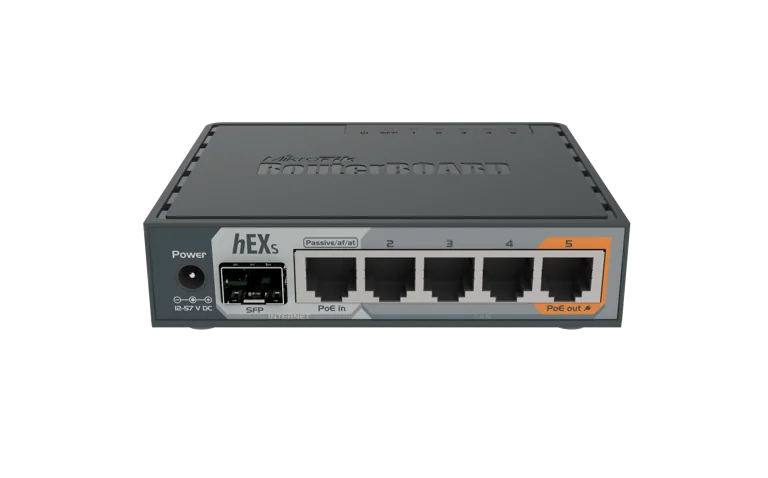
Buy the MikroTik RB760iGS (hEX S), a compact Gigabit router with 5 Ethernet ports, SFP, PoE output, and RouterOS v7 for home, office
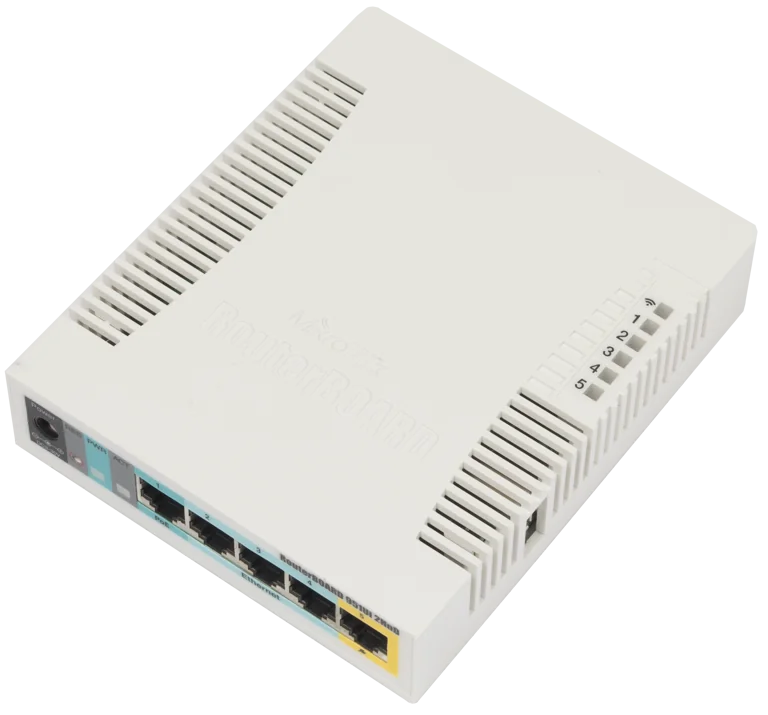
Buy the MIKROTIK RB951UI-2HND, a reliable 2.4GHz wireless router with 5 Fast Ethernet ports, USB, PoE output, and RouterOS for home
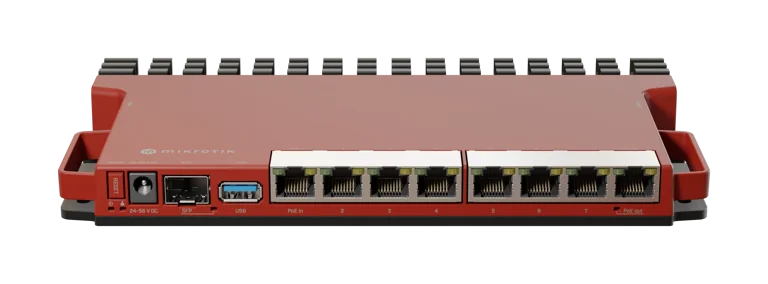
Explore the MIKROTIK L009UIGS-RM, a powerful rackmount router with Gigabit Ethernet, SFP, USB, and RouterOS v7, ideal for business a
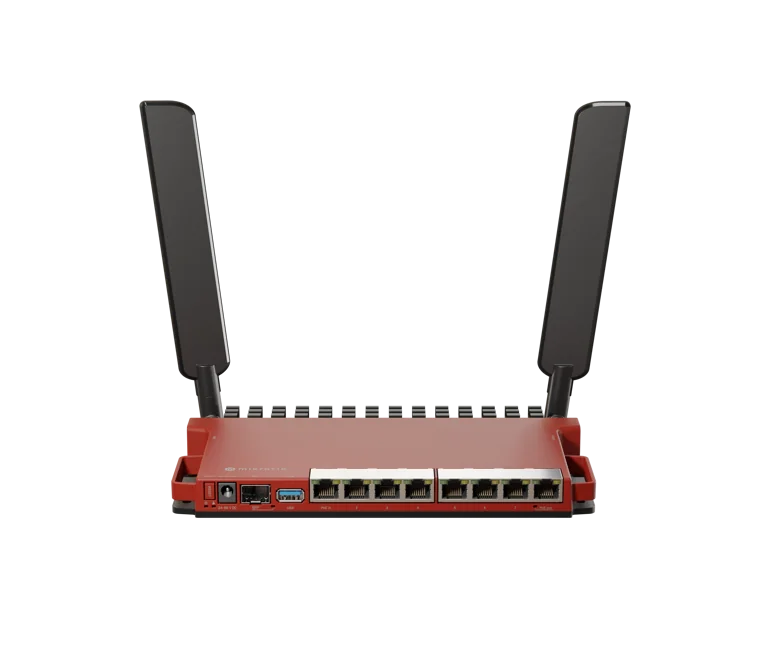
Discover the MIKROTIK L009UIGS-2HAXD-IN, a powerful Wi-Fi 6 router with Gigabit Ethernet, SFP, USB, and RouterOS v7, ideal for home